Form → CRM (HubSpot, Salesforce, Pipedrive)
Every lead submission creates or updates a CRM contact with tags, owner assignment, and pipeline stage. Sales reps see new leads in the tool they already use.

Trigger 5,000+ app workflows from every form submission.
AntForms ships a native Zapier trigger (New Form Submission) that fires instantly via REST Hook with SHA-256 API key auth, letting you pipe responses to HubSpot, Salesforce, Mailchimp, Asana, and 5,000+ other apps.
Three patterns AntForms customers ship most often, each reachable from the Integrations tab in under two minutes.
Every lead submission creates or updates a CRM contact with tags, owner assignment, and pipeline stage. Sales reps see new leads in the tool they already use.
Send automated confirmation emails, add respondents to nurture sequences, or fire transactional templates the instant someone submits.
One submission can notify Slack, create a HubSpot contact, and append a row to Google Sheets - in parallel, with filtering and conditional branches.
A few steps, under a few minutes. No code, no Zapier in the middle.
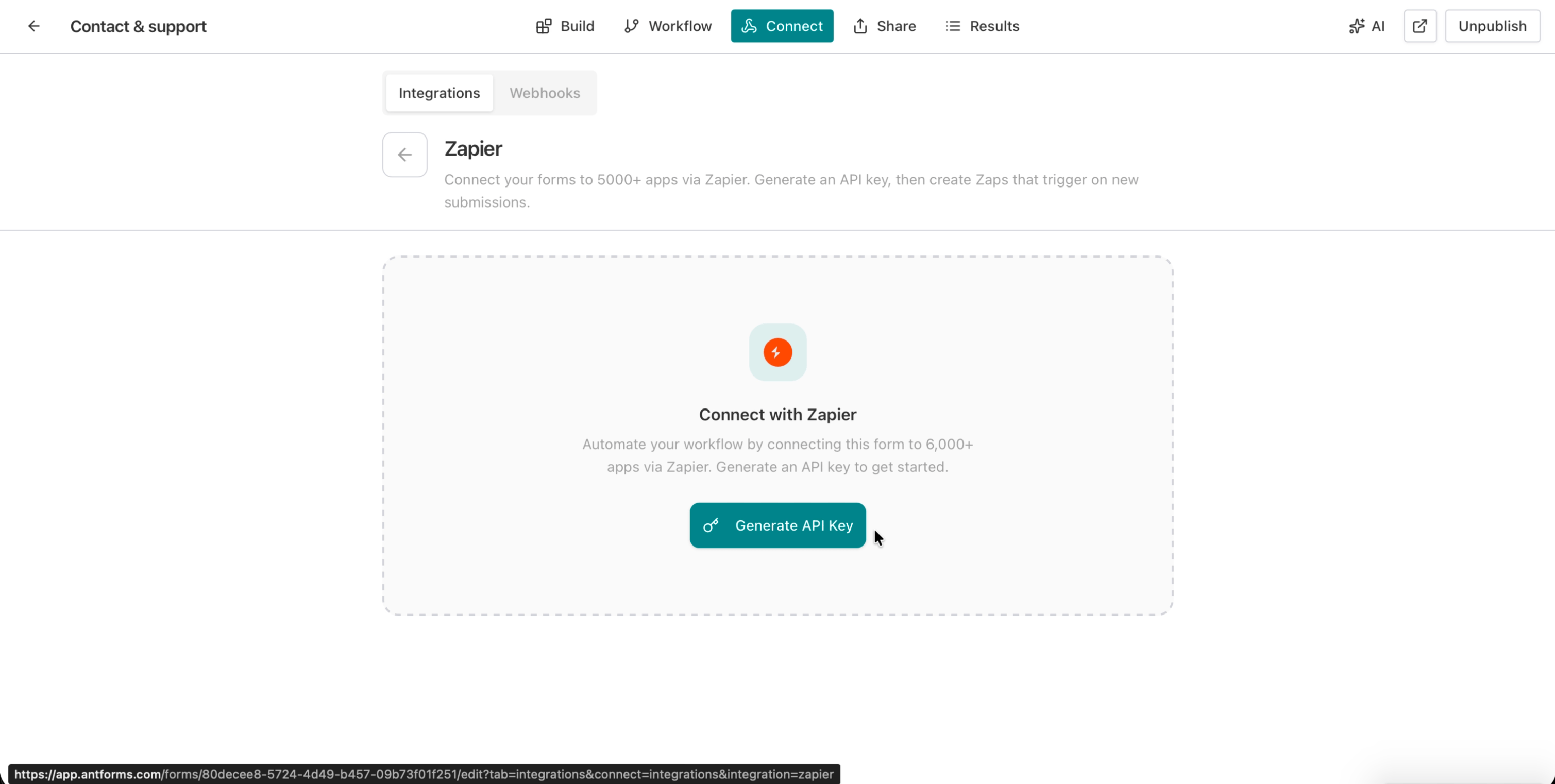
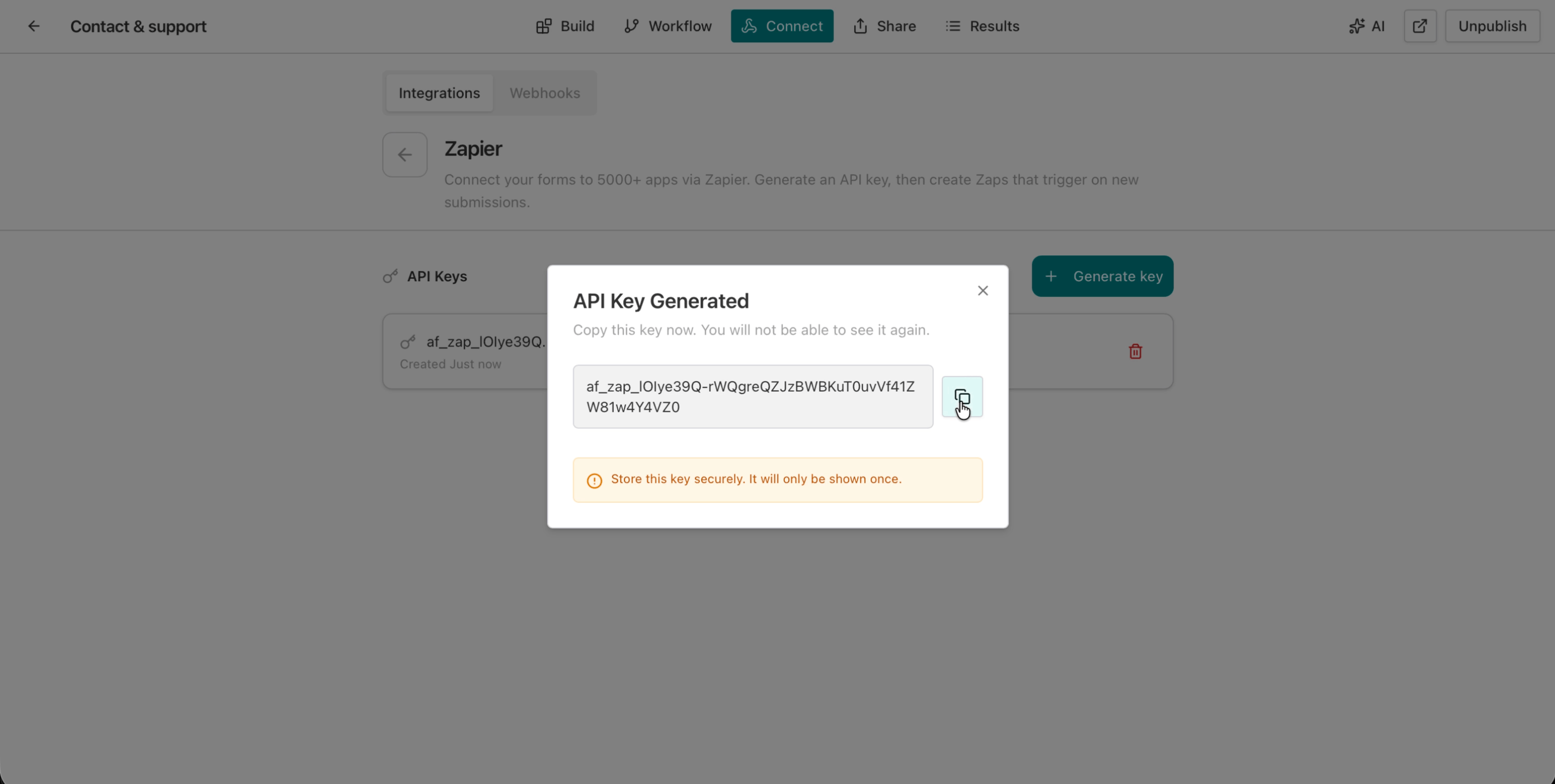
Open the Integrations tab, find Zapier, and generate a new API key. Copy the SHA-256 token - it is only shown once.
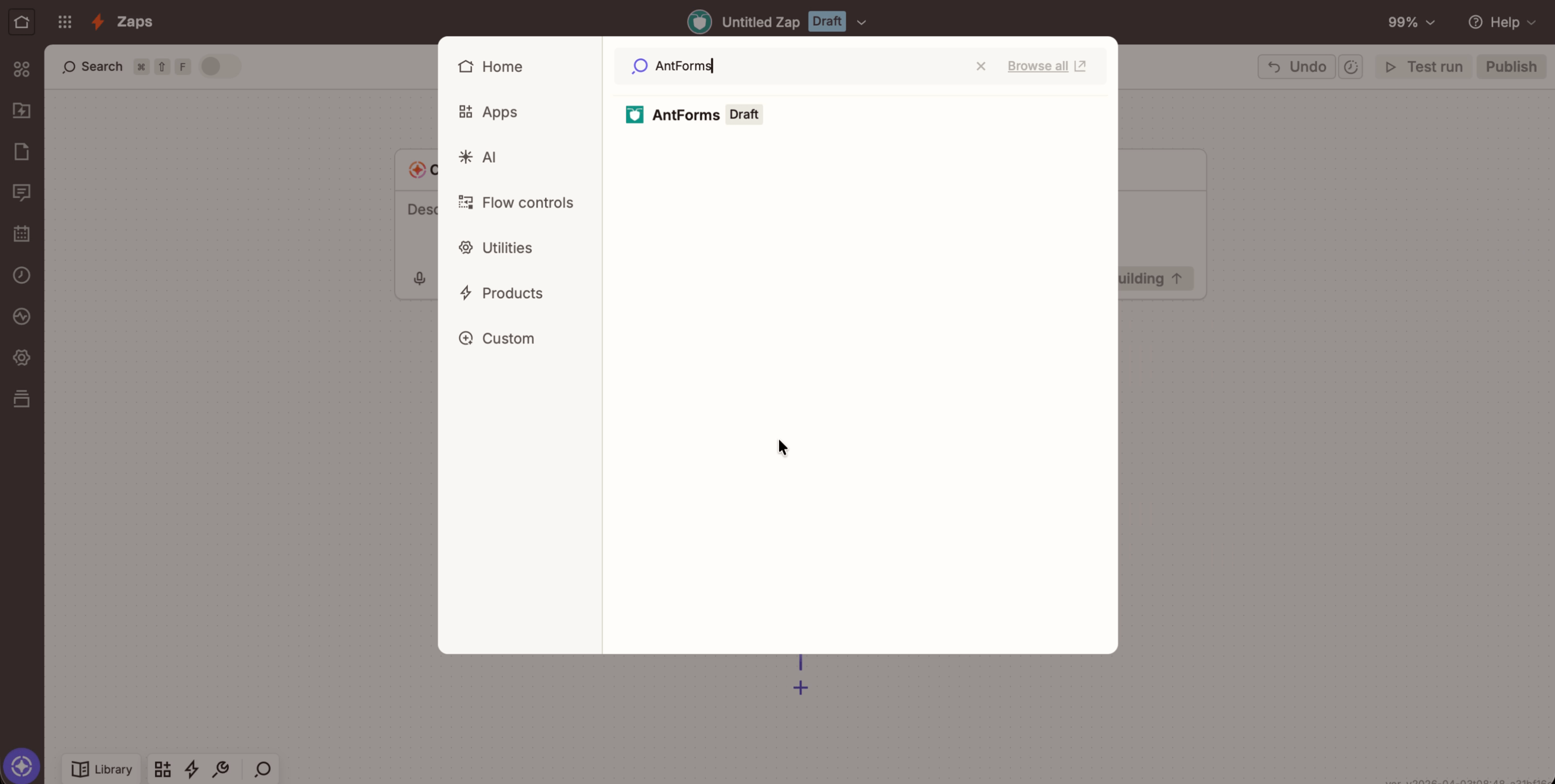
In Zapier, click Create Zap. Choose AntForms as the trigger app and New Form Submission as the trigger event.
Paste the API key from step 1. Zapier verifies the connection and loads your forms list.
Pick the form to trigger on, click Test trigger, and submit a real response. Zapier shows the flat JSON payload with all field values.
Add any of the 5,000+ Zapier apps as an action - CRM, email, Slack, Sheets, project management. Publish the Zap and submissions flow live.
THAT’S IT · ZAPIER IS LIVE
Every capability ships on the free plan: no paywalls, no metered calls, no per-seat markup.
What the Zapier integration does not include, so you can plan around limits before they surface mid-rollout.
The ones we hear most. If yours isn’t here, tell us and we’ll add it.
Something missing? get in touch
Go to your form's Integrations tab, click Zapier, and generate an API key. Then create a Zap in Zapier using AntForms as the trigger app, paste your API key, and select the form you want to automate.
AntForms supports the New Form Submission trigger. Every time someone submits your form, Zapier receives the response data and runs your configured workflow.
AntForms provides free API key generation and the Zapier trigger at no extra cost. You only need a Zapier account (free tier supports 100 tasks/month with 5 Zaps).
A flat JSON payload with all field values, form metadata (ID, title), submission timestamp, and a unique event ID. Multi-field blocks like Address are sent as nested objects.
Each form supports up to 20 Zapier subscriptions. You can generate up to 10 API keys per workspace.
AntForms retries failed deliveries up to 5 times with exponential backoff starting at 60 seconds. After 5 consecutive failures, the subscription is auto-disabled.
Yes. The Zapier section in your form's Integrations tab shows all active Zaps with status (Active, Disabled, Failing), consecutive failure count, and a deliveries panel with per-message tracking.
Yes. The AntForms trigger works on every Zapier plan, including free. Free accounts get 100 tasks per month and up to 5 active Zaps.
Free, unlimited, and connected to Zapier in under two minutes.


