Lead capture and contact lists
Build a growing spreadsheet of every lead with timestamp, source, and field responses. Filter, sort, or pipe into downstream tools without export/import.

Auto-append every form response as a new row.
The AntForms Google Sheets integration appends every form submission as a new row with auto-generated headers, using native Google OAuth - no Apps Script, no Zapier, and no row limits on the free plan.
Three patterns AntForms customers ship most often, each reachable from the Integrations tab in under two minutes.
Build a growing spreadsheet of every lead with timestamp, source, and field responses. Filter, sort, or pipe into downstream tools without export/import.
Registration responses land in a shared sheet with dietary preferences, session choices, and attendance status. Event staff see the roster in real time.
NPS scores, ratings, and comments append to a master sheet. Pivot tables compute weekly average NPS without leaving Sheets.
A few steps, under a few minutes. No code, no Zapier in the middle.
In your form editor, go to the Connect tab and click Set up next to Google Sheets.
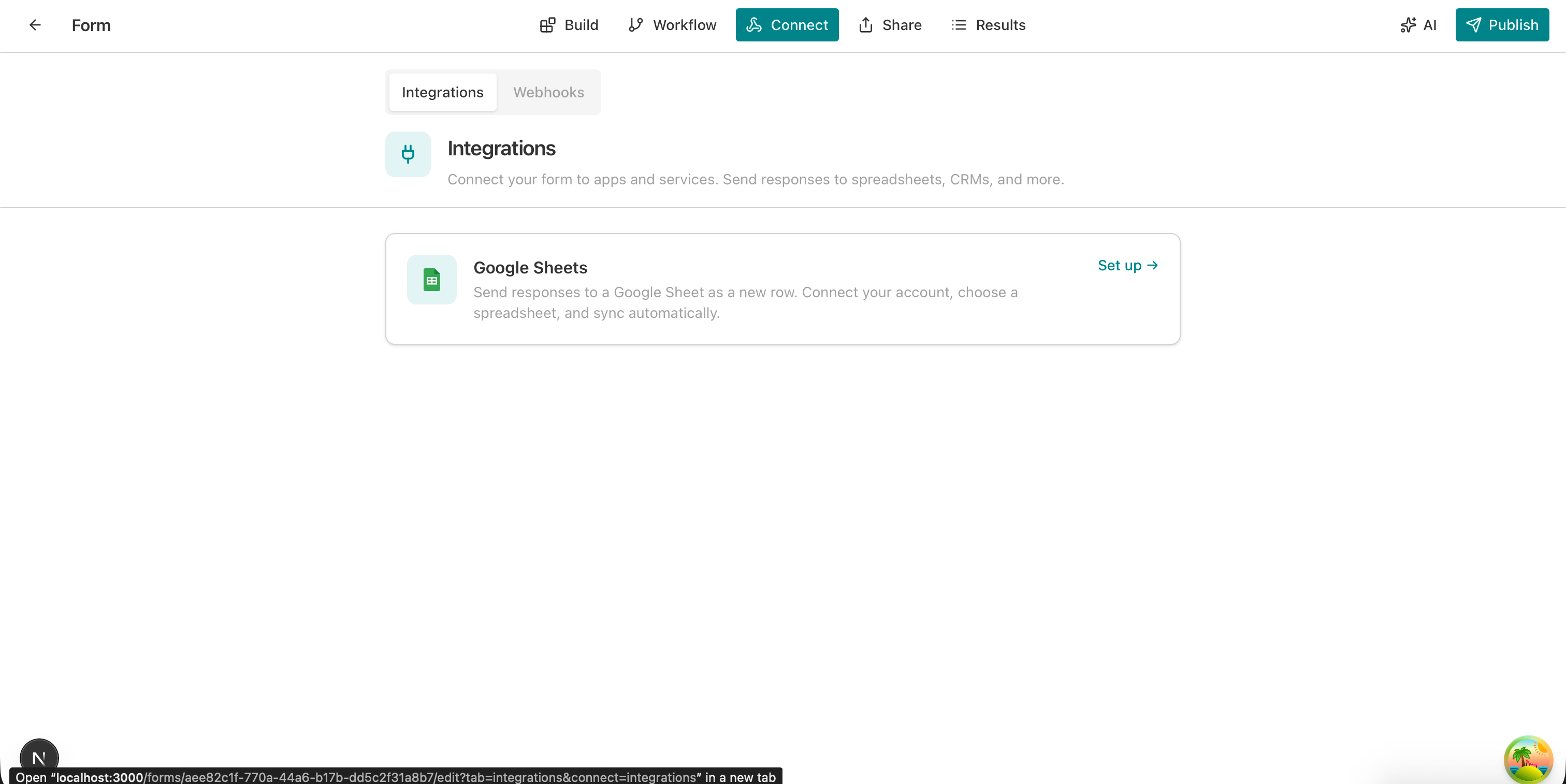
Authorize AntForms with your Google account. You can revoke access at any time from your Google security settings.
Create a new spreadsheet (AntForms fills the title and tab name) or paste an existing sheet URL.
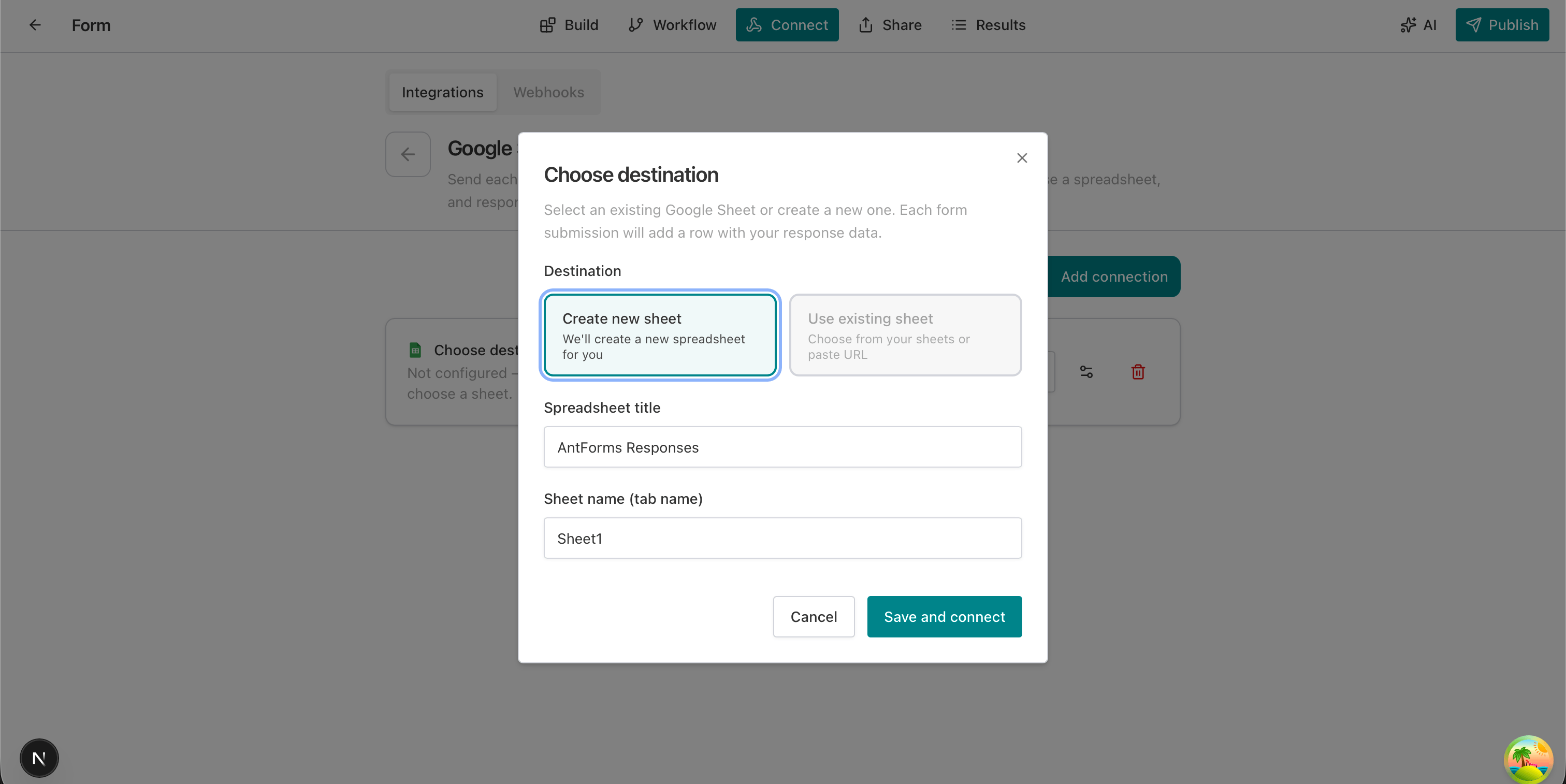
Click Send test row and confirm the row appears in your sheet with auto-generated headers matching your form fields.
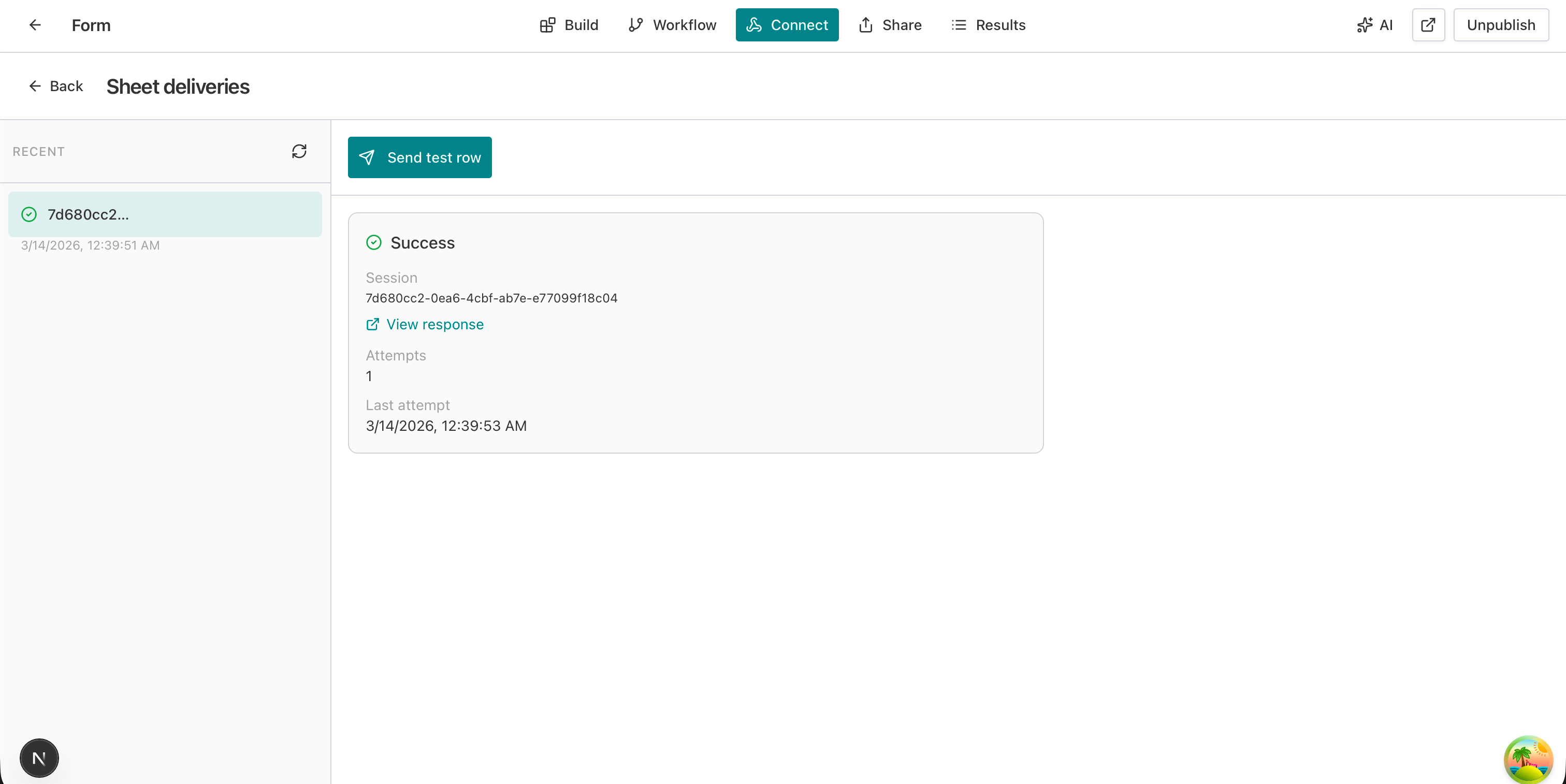
Your form is live. Every submission appends a new row instantly. Use Sync existing to backfill historical responses.
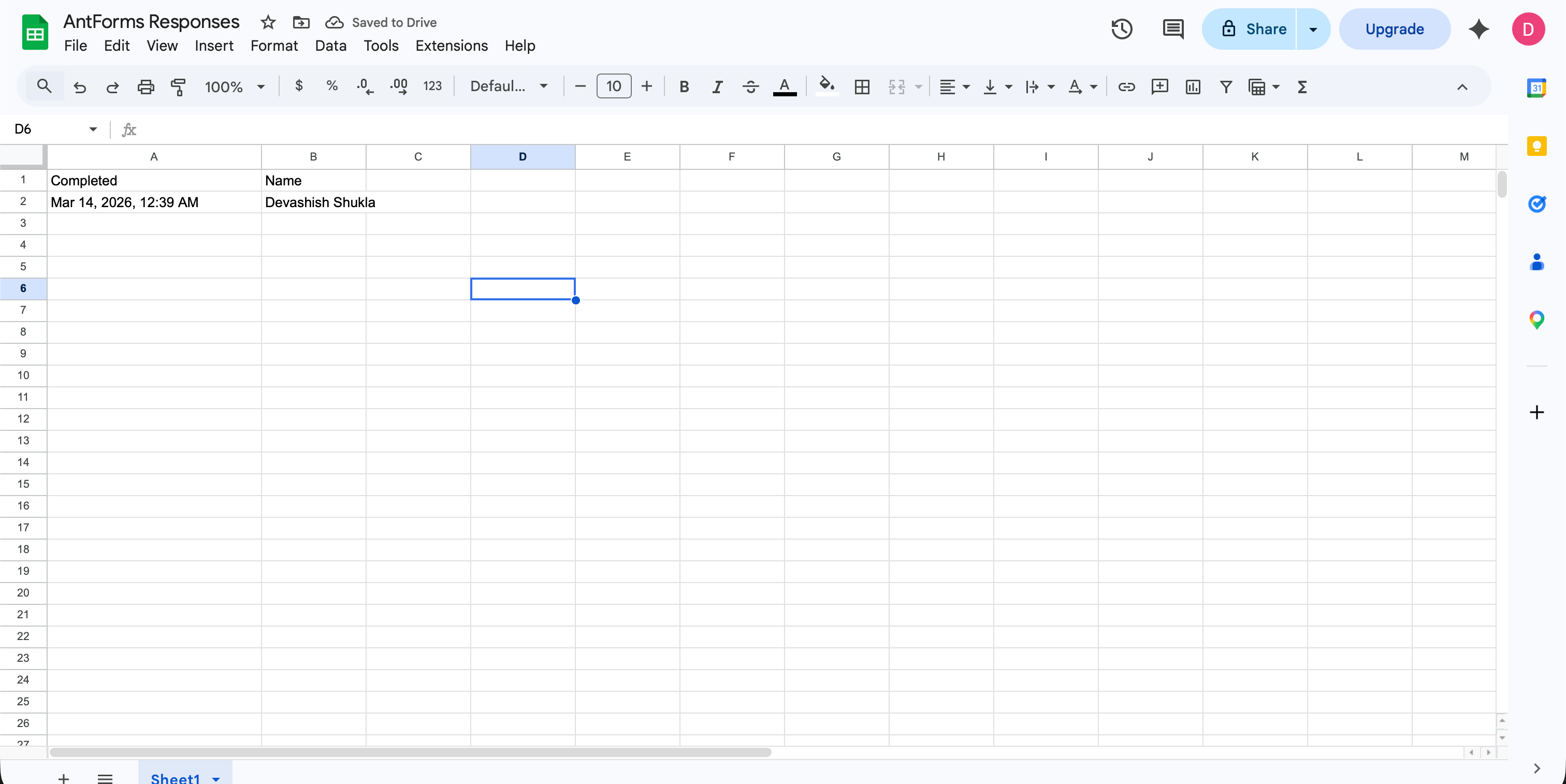
THAT’S IT · GOOGLE SHEETS IS LIVE
Every capability ships on the free plan: no paywalls, no metered calls, no per-seat markup.
What the Google Sheets integration does not include, so you can plan around limits before they surface mid-rollout.
The ones we hear most. If yours isn’t here, tell us and we’ll add it.
Something missing? get in touch
Sheets is where most small teams already live: free, collaborative, and familiar. Sending form submissions directly to a spreadsheet removes manual export, copy-paste, and delay.
No. AntForms has a native Google Sheets integration. In Connect → Integrations you sign in with Google, choose or create a sheet, and each form submission automatically adds a new row.
The sheet's header row may not match the new fields. Use Sync existing in the integration card to backfill or align columns, or create a new sheet and connect it.
Use Sheet deliveries in Connect to see recent deliveries with status. Click Send test row to push a sample row, or open your sheet and see the new row with a 'View response' link.
Both. In the Choose destination step you can create a new spreadsheet (AntForms names it for you) or paste an existing sheet URL to append responses there.
Yes. AntForms offers unlimited form responses on its free plan, and the Google Sheets integration is included.
Typeform gates Sheets behind paid plans on many tiers. Jotform includes it on free but caps responses. AntForms includes Sheets on free with no response cap.
Integration writes to Google Sheets only; Airtable, Notion, and Excel Online use webhooks. Header drift after form edits requires Sync existing or a new sheet.
Free, unlimited, and connected to Google Sheets in under two minutes.


