Lead response in minutes, not hours
Sales teams respond to inbound leads in 90 seconds vs 12-minute email polling averages. HBR research shows that responding within 5 minutes makes you 21x more likely to qualify the lead.

Send form responses to Slack in under 2 seconds.
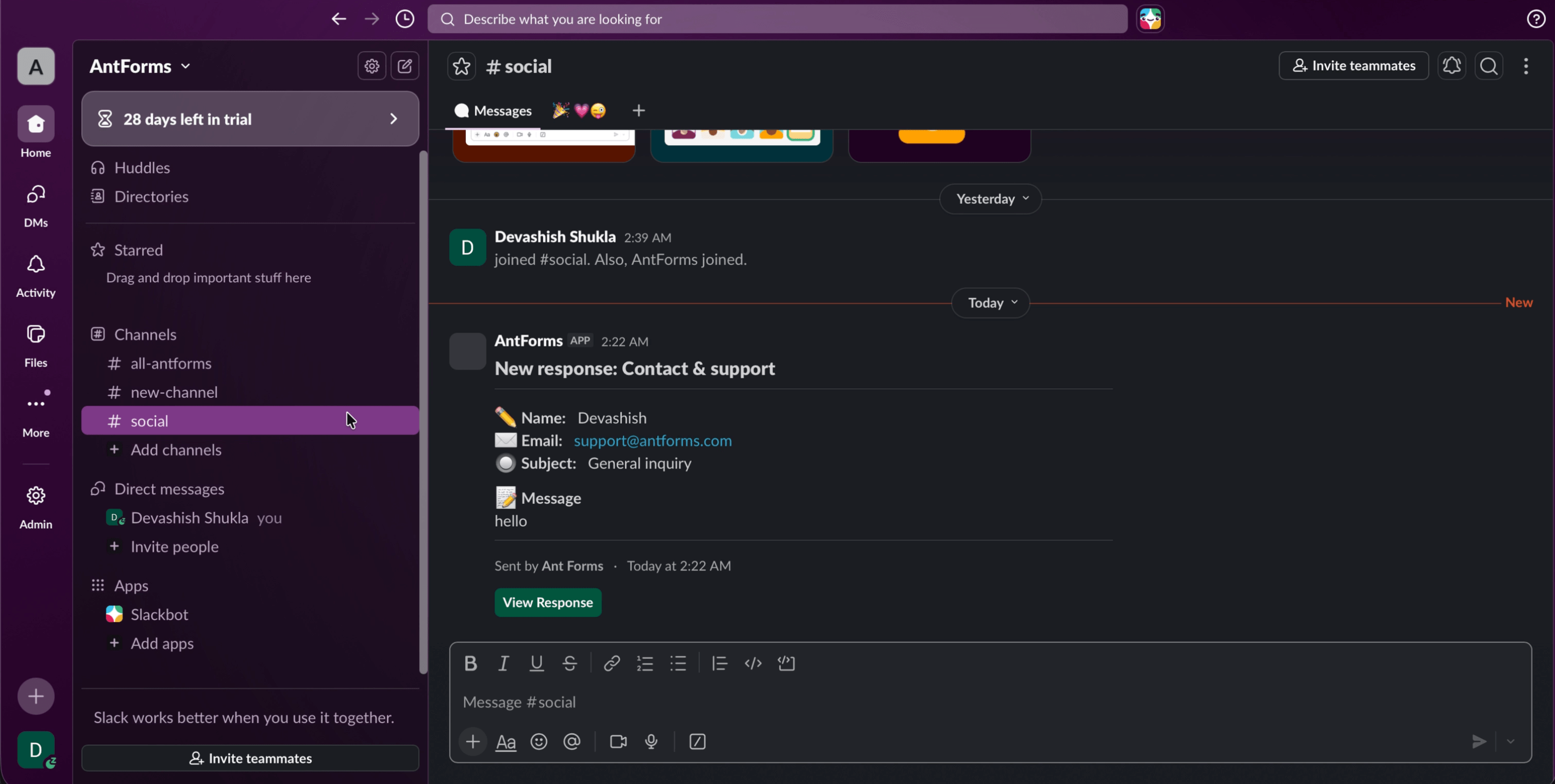
The AntForms Slack integration posts every form submission to a channel of your choice as a rich Block Kit message with all field values and a View Response button, using native OAuth 2.0.
Three patterns AntForms customers ship most often, each reachable from the Integrations tab in under two minutes.
Sales teams respond to inbound leads in 90 seconds vs 12-minute email polling averages. HBR research shows that responding within 5 minutes makes you 21x more likely to qualify the lead.
Contact form submissions land in your #support channel the moment they come in. On-call engineers see the message, field values, and a direct View Response link without opening a separate dashboard.
Product feedback, NPS scores, and survey responses flow into shared channels with color-coded star ratings. The whole team sees signal, not just the form owner.
A few steps, under a few minutes. No code, no Zapier in the middle.
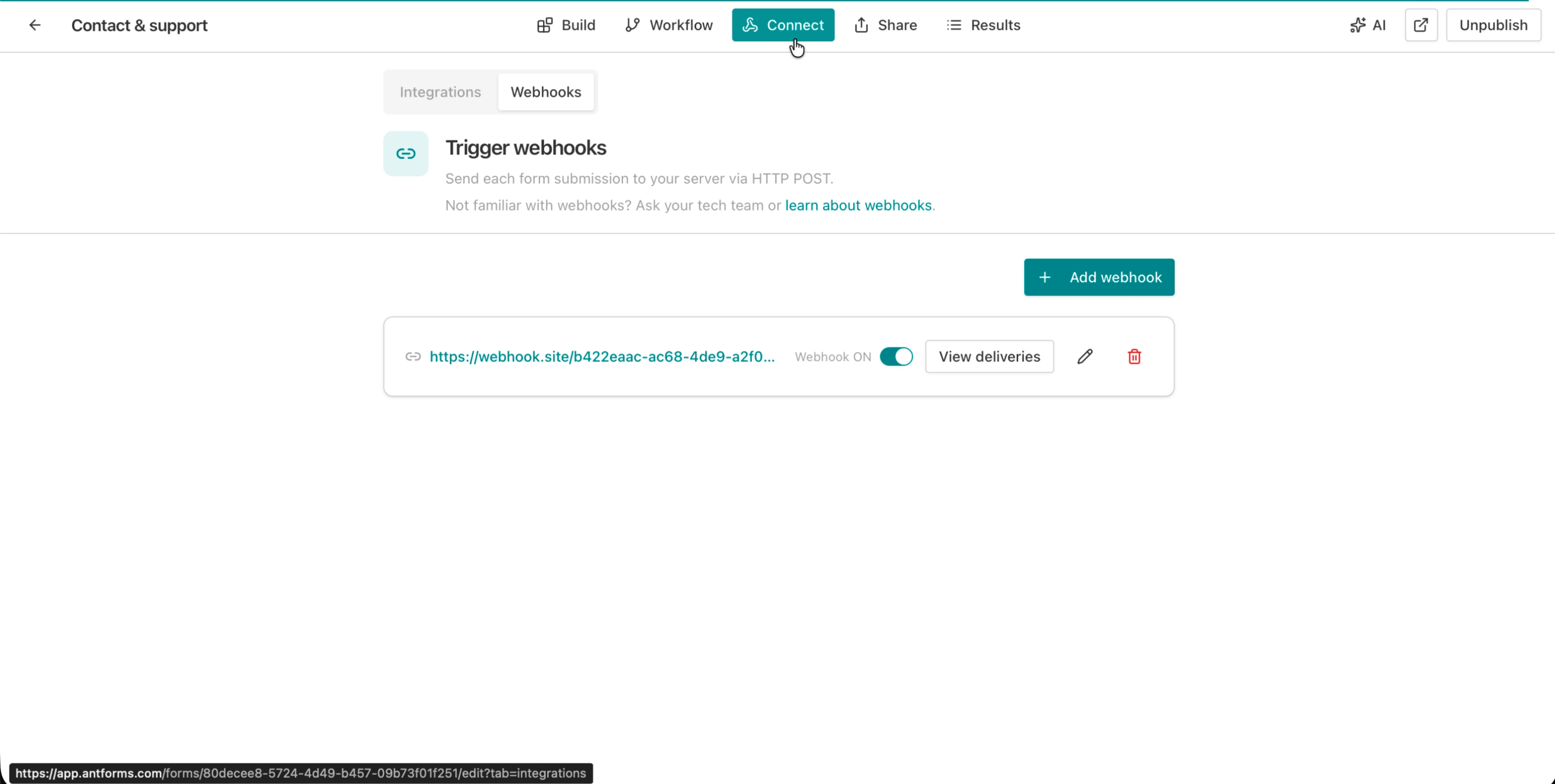
In your AntForms form editor, click the Integrations tab in the top navigation. You will see a grid of every available integration.
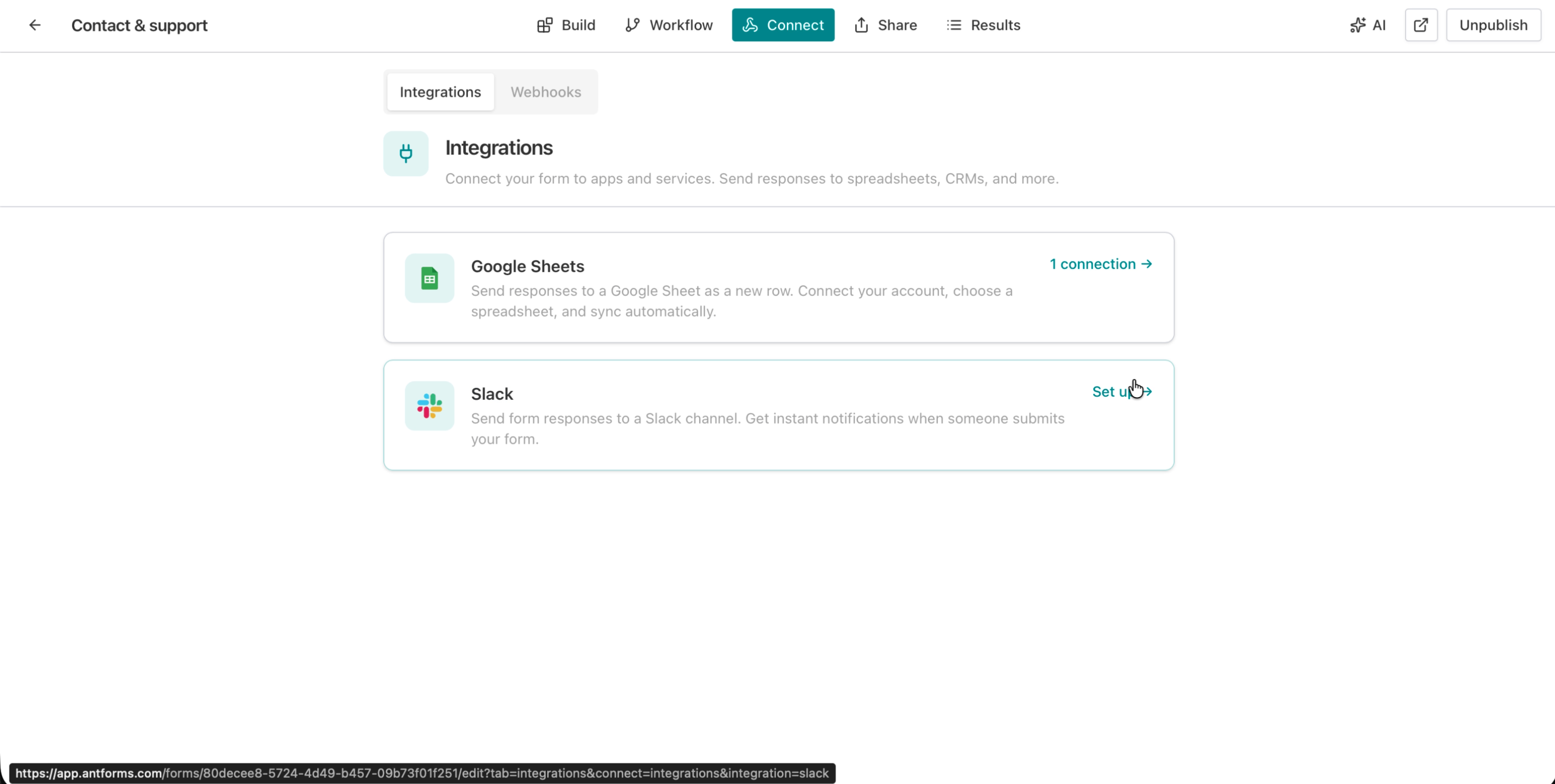
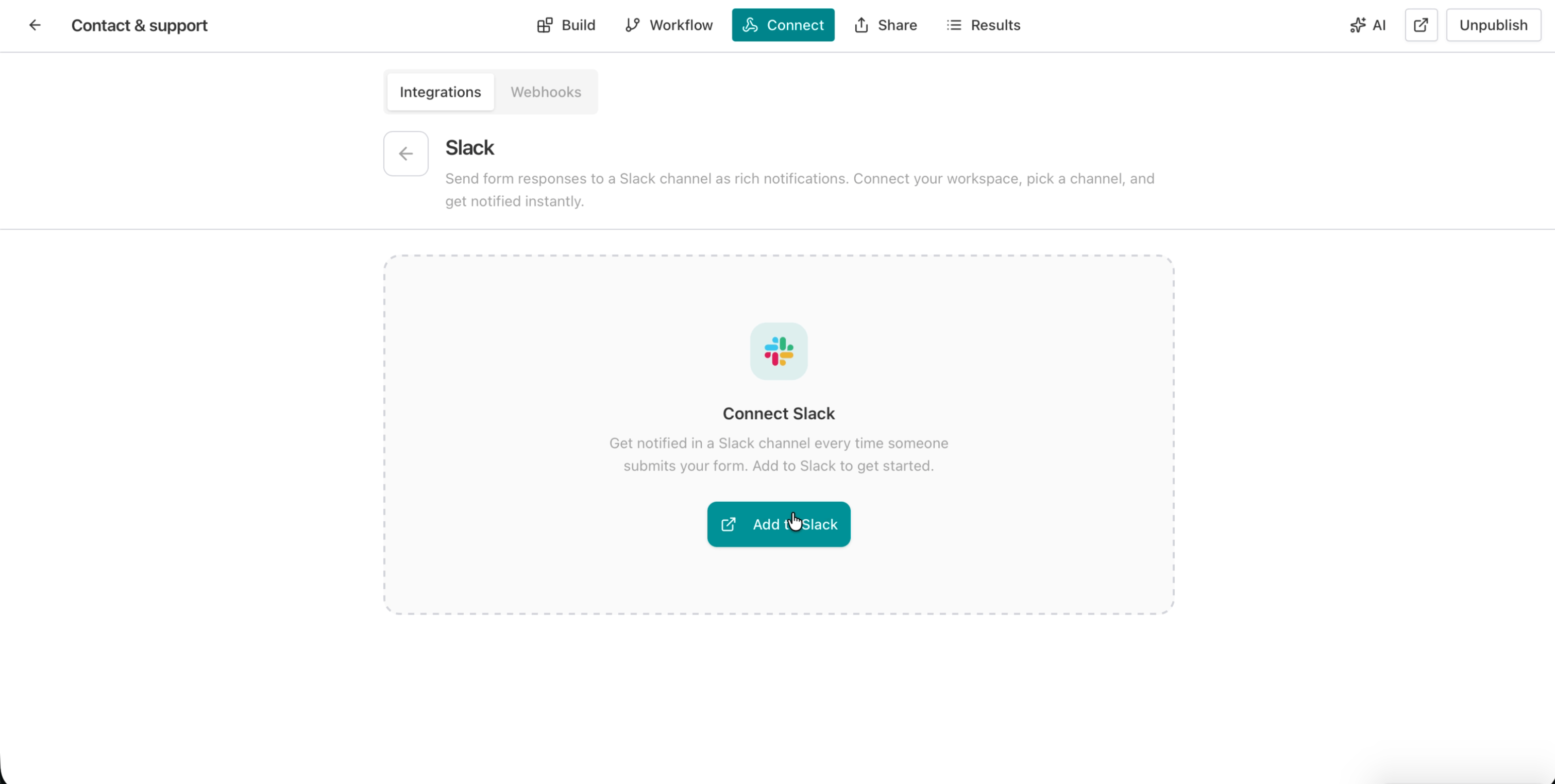
Find the Slack card, click Set up, then click the Add to Slack button to start the OAuth flow.
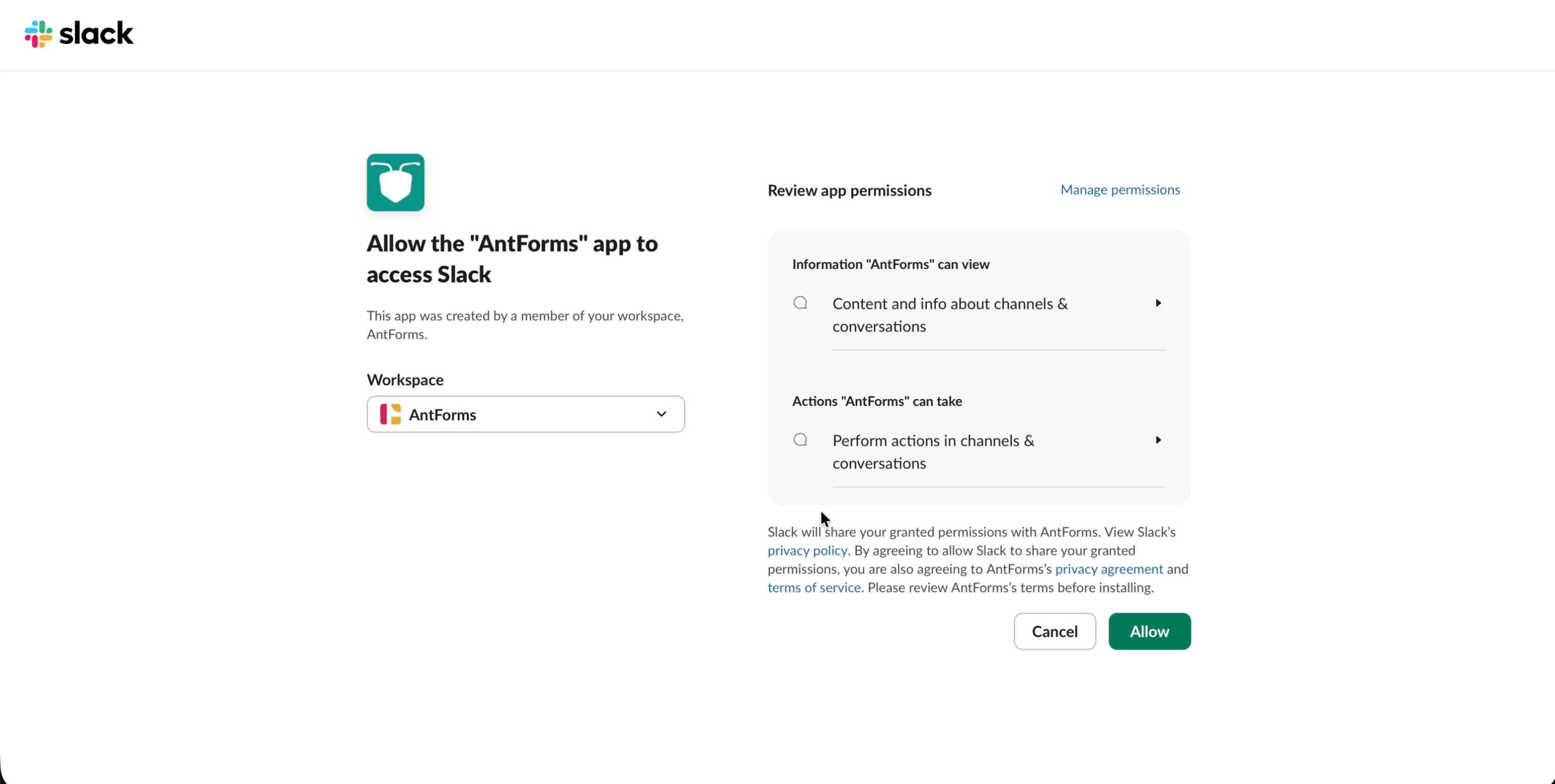
Review the permissions AntForms requests (chat:write, channels:read, channels:join, groups:read) and click Allow to grant access.
Choose a public or private channel from the picker. For private channels, invite the AntForms bot first by typing /invite @AntForms in that channel.
Fill out your form and hit submit. The rich Block Kit message appears in Slack within 2 seconds with every field value and a View Response button.
THAT’S IT · SLACK IS LIVE
Every capability ships on the free plan: no paywalls, no metered calls, no per-seat markup.
What the Slack integration does not include, so you can plan around limits before they surface mid-rollout.
The ones we hear most. If yours isn’t here, tell us and we’ll add it.
Something missing? get in touch
Open your form editor, go to the Integrations tab, click Set up next to Slack, authorize with OAuth, and select a channel. Every future submission is sent to that channel as a rich Block Kit message - no Zapier needed.
No. AntForms connects to Slack natively via OAuth 2.0. There is no middleware, no Zapier zap, and no third-party automation tool required.
Each submission appears as a rich Slack message with the form title, all field values with emoji prefixes, a timestamp, and a View Response button linking to your AntForms dashboard.
Yes. The channel picker shows both public and private channels. For private channels, invite the AntForms bot first by typing /invite @AntForms in that channel.
Free plan allows 1 Slack connection per form. Pro ($18.99/mo) allows up to 3 connections per form for multi-channel routing.
Yes. One Slack connection per form is included on the free tier. Pro users get up to 3 connections per form.
AntForms retries failed deliveries automatically up to 5 times with exponential backoff starting at 60 seconds. You can view delivery history and manually retry from the integrations panel.
Yes. Every connection has a View deliveries panel showing delivery status, attempt count, HTTP response codes, and error messages.
Free, unlimited, and connected to Slack in under two minutes.


